
 PT
PTYour SmallTV Ultra with Pomodoro, new clock faces and a tomato.
New firmware for the GeekMagic SmallTV Ultra desk clock: hand-drawn clock faces, a Pomodoro timer with a pixel art mascot, weather with no API key and a simple web panel for your phone.
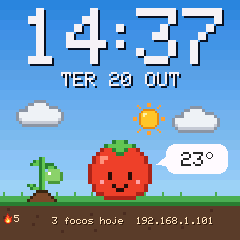
What it is
The clock: GeekMagic SmallTV Ultra
A tiny Wi-Fi desk cube with a 240×240 color screen. Inside there is an ESP8266 (the same chip found in many home automation projects) and an ST7789 display. Out of the box it shows time, weather and photos, running GeekMagic's closed firmware.
The firmware: SmallTV Pomodoro
A new program for the same device, written from scratch and open on GitHub. You flash it from the clock's own web panel, like a regular update, and it gets new clock faces, a Pomodoro timer and a tomato mascot. Photos already stored on it stay there.
New clock faces to install
Besides the 11 built-in faces, there is a gallery of faces that don't ship with the firmware: Bento, Synthwave, Terminal, Aquarium, Station and more. Each one is a small file the clock installs without reflashing.
What changes from the factory firmware
Same hardware. What changes is what runs on it.
Features
It all fits in about 520 KB (390 KB compressed) and runs on the clock itself. Screens and panel in Portuguese, English or Spanish.
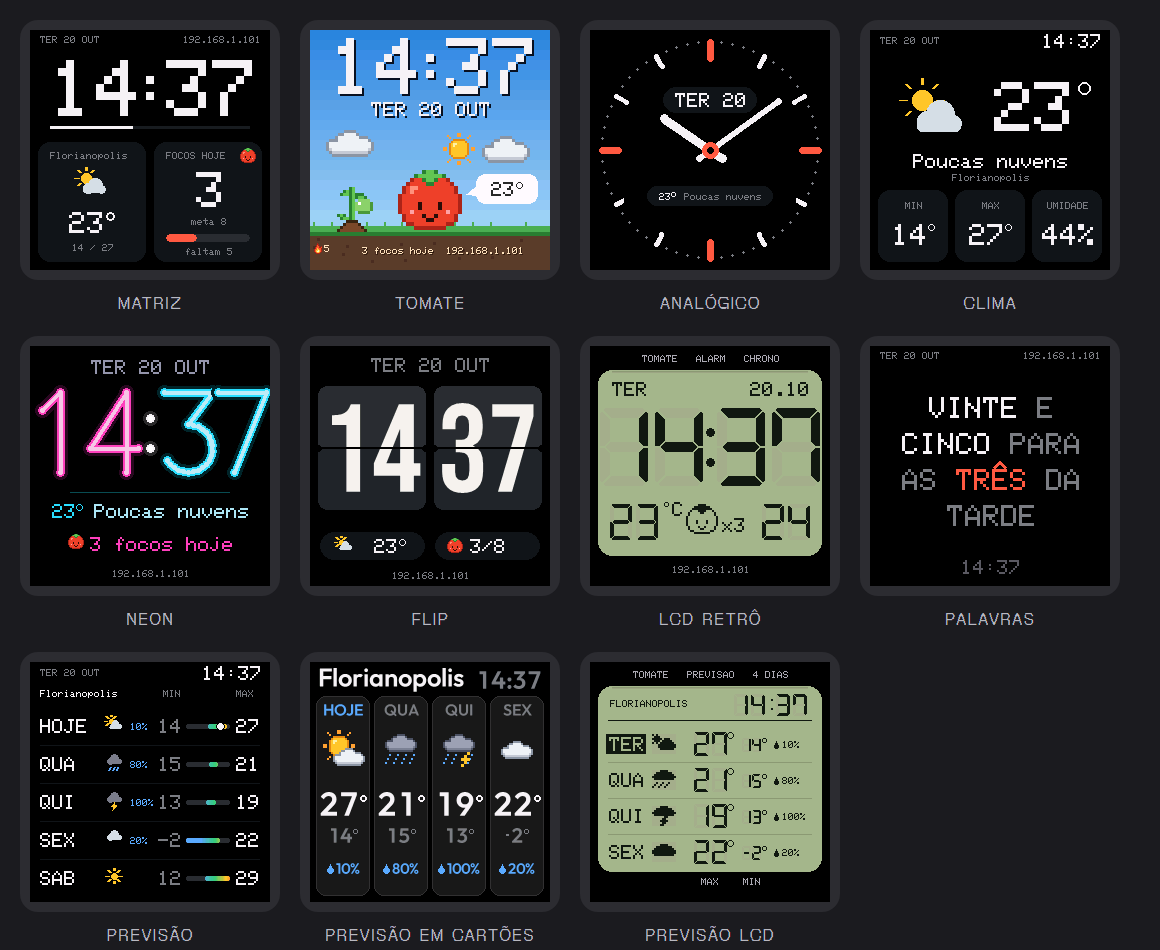
 11 clock faces
Matrix, Tomato, Analog, Weather, Neon, Flip (with a real flipping animation), Retro LCD, Words (the time spelled out) Forecast (the next 5 days), Forecast cards and Forecast LCD.
 Pomodoro with a mascot
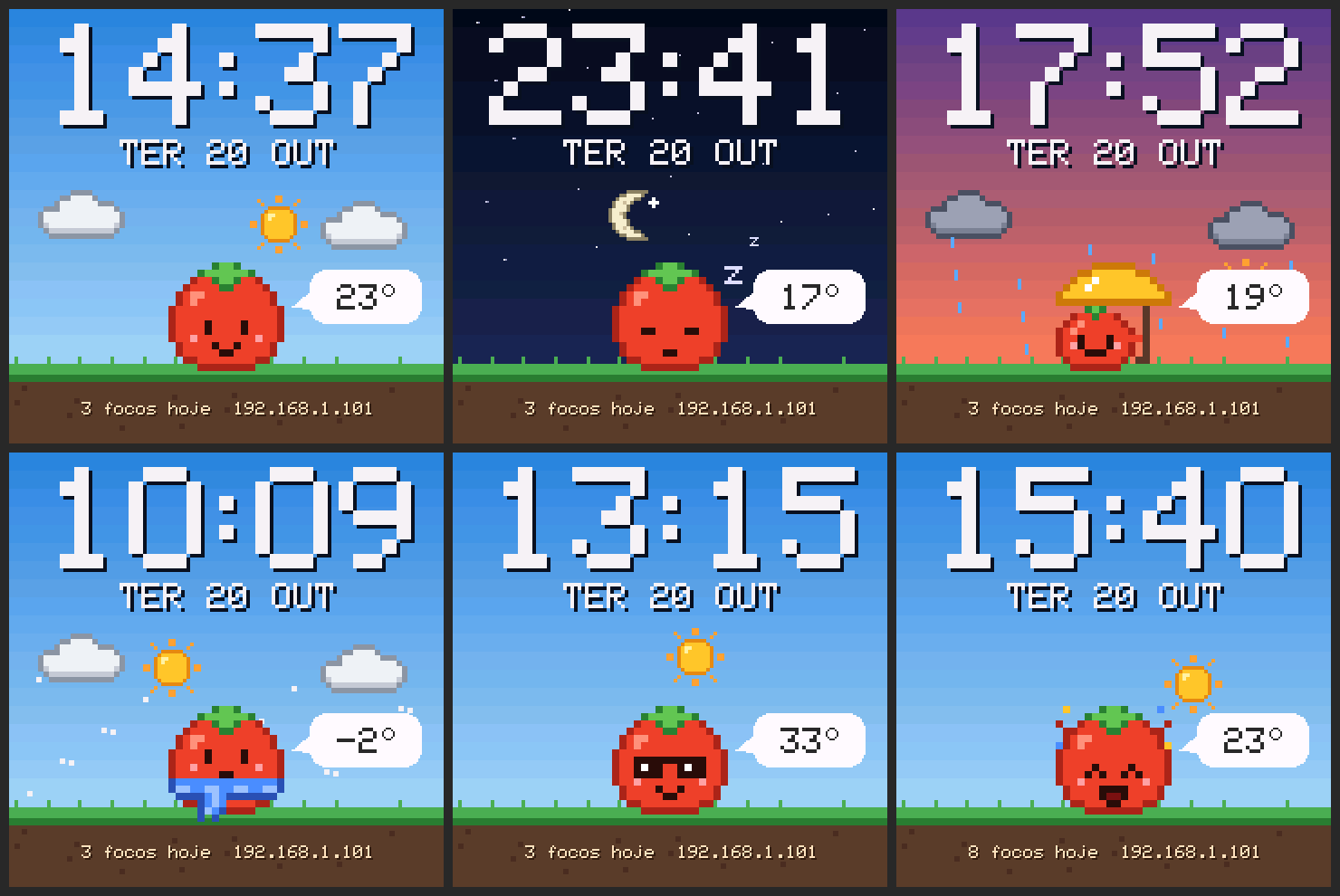
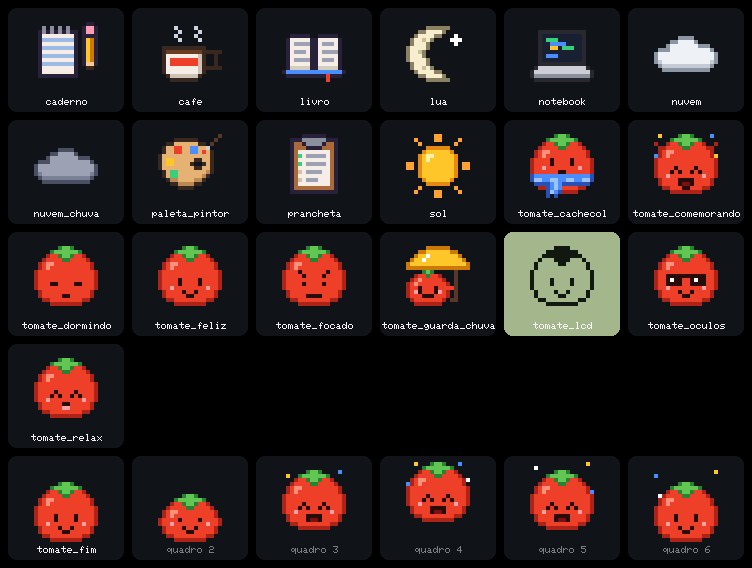
The tomato focuses, relaxes with a coffee on breaks, sleeps while the timer is paused and jumps for joy when a phase ends.
 Focus activity
Pick what you're doing in the panel: reading, studying, coding, chores or drawing. The screen shows the activity's object next to the tomato.
 Weather
From Open-Meteo, no sign-up or API key. In °C or °F. Warns you when rain is about to start within the hour. In the rain the tomato opens an umbrella; in the cold it wears a scarf; in the heat, sunglasses.
 Photos and GIFs
Uses the album already on the clock. New photos go through the panel and are cropped to 240×240 automatically.
 Night brightness
Set a schedule to dim the screen at night so it doesn't light up the bedroom.
 Web panel
Open the IP shown on the screen from your phone or computer: faces, Pomodoro, photos and settings, including screen color and rotation. In Portuguese, English or Spanish.
 Focus game
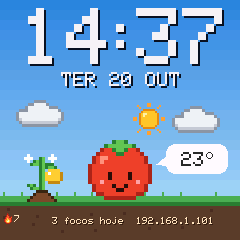
Day streaks with the goal reached, a plant that grows into the golden tomato, a yearly garden, 10 achievements and a shareable day card. See the game.
 One-tap updates
When a new version is out, the panel tells you and updates the clock with one tap (from v1.8). You can also upload the file at /update (the .bin.gz, without unzipping it) and go back to the original firmware.
 Rain warning, °F and more security
Rain is coming
When rain should start within the next hour, the screen shows “rain 15 min” and the tomato opens its umbrella. It uses Open-Meteo's 15-minute forecast. Turn it on or off in Settings → Weather.
Temperature in °F
One switch in Settings → Weather. The faces and the face packages ({UNIT}, {RAIN}) switch to °F, with three digits on hot days.
Lighter and safer
The panel moved out of the program memory into the file storage, checked by SHA-256: an 11 KB smaller firmware. Uploads need the right password, JPEG and face packages are protected against forged files, and the focus history is no longer lost on restart.
After updating, the first time you open the panel it downloads the new panel from this website (the browser needs internet). At /update, upload the .bin.gz without unzipping it.
 Alexa voice control
Start, pause and stop the Pomodoro by voice. The clock shows up to an Echo as three lights on your network: no account, no skill and no cloud. Turning them on and off drives the timer, and the percentage becomes minutes.
Turning it on
In the panel, under Settings → Alexa, enable Control with Alexa. With an Echo on the same Wi-Fi, say “Alexa, discover devices”. The panel shows when the Echo connected and its last command.
 Routines
In the Alexa app, create routines with your own phrases, like “Alexa, focus time”. The lit light shows the current phase: Pomodoro, Break or Long break.
Alexa announces the end
Paste a trigger URL from Virtual Smart Home, Voice Monkey or IFTTT in the panel. When a focus session or a break ends, the clock calls it and a routine makes Alexa say “Pomodoro done”.
Requires firmware v1.13.0 or newer. The light names follow the clock's language (with the clock in Portuguese they are Pomodoro, Pausa and Pausa longa). After updating, say “Alexa, discover devices” again.
Up close
The clock's screens, rendered by the project's simulator with the same code as the firmware.
Focus: the red ring fills up until the end of the phase, with the countdown and the end time. The tomato concentrates next to the activity's object. (sped up)
In the panel you pick the focus activity, and its object shows up next to the tomato:
Read Study
Study Code
Code Chores
 Draw
Draw
How to install
It takes about 5 minutes, with no cable and no software on your computer: everything happens in the browser.
SmallTV Pomodoro
.bin file to upload from the clock's panel.
 Download .bin
-
Download the firmware
Get the
.binfile from the button above. -
Upload it from the factory panel
Open the IP shown on the clock in your browser, go to Firmware Upgrade, pick the file and upload it. The clock restarts by itself.
Got “ERROR[4]: Not Enough Space”?
The factory update space varies between units. In that case, go through a small loader first:
- Download
smalltv-mod-loader.bin(giovi321/smalltv-mod v2.8.2) and upload it in Firmware Upgrade. - Connect your phone or computer to the open Wi-Fi network
SmallTV-Loader. - Open
http://192.168.4.1/updateand upload the SmallTV Pomodoro firmware.
- Download
-
Connect to Wi-Fi
If the clock doesn't join your network by itself, connect to the
SmallTV-Pomodoronetwork and openhttp://192.168.4.1to choose yours.2.4 GHz networks only.
-
Open the panel
Type the IP shown on the clock's screen into your browser. Pick a face, set your weather city and start a focus session.
Later updates: the panel tells you when a new version is out; or upload the file in Settings → Update firmware.
Going back to the original firmware
Download the official .bin from GeekMagicClock/smalltv-ultra and upload it in the SmallTV Pomodoro panel under Settings → Update firmware (or at /update, user admin).
This works because SmallTV Pomodoro uses the same flash layout as the original and stays under the size limit (about 530 KB). The file system is mounted without automatic formatting: your photos are not erased.